Note
Go to the end to download the full example code.
Frames, ticks, titles, and labels
Setting frame, ticks, title, etc., of the plot is handled by the frame
parameter that most plotting methods of the pygmt.Figure class
contain.
Plot frame
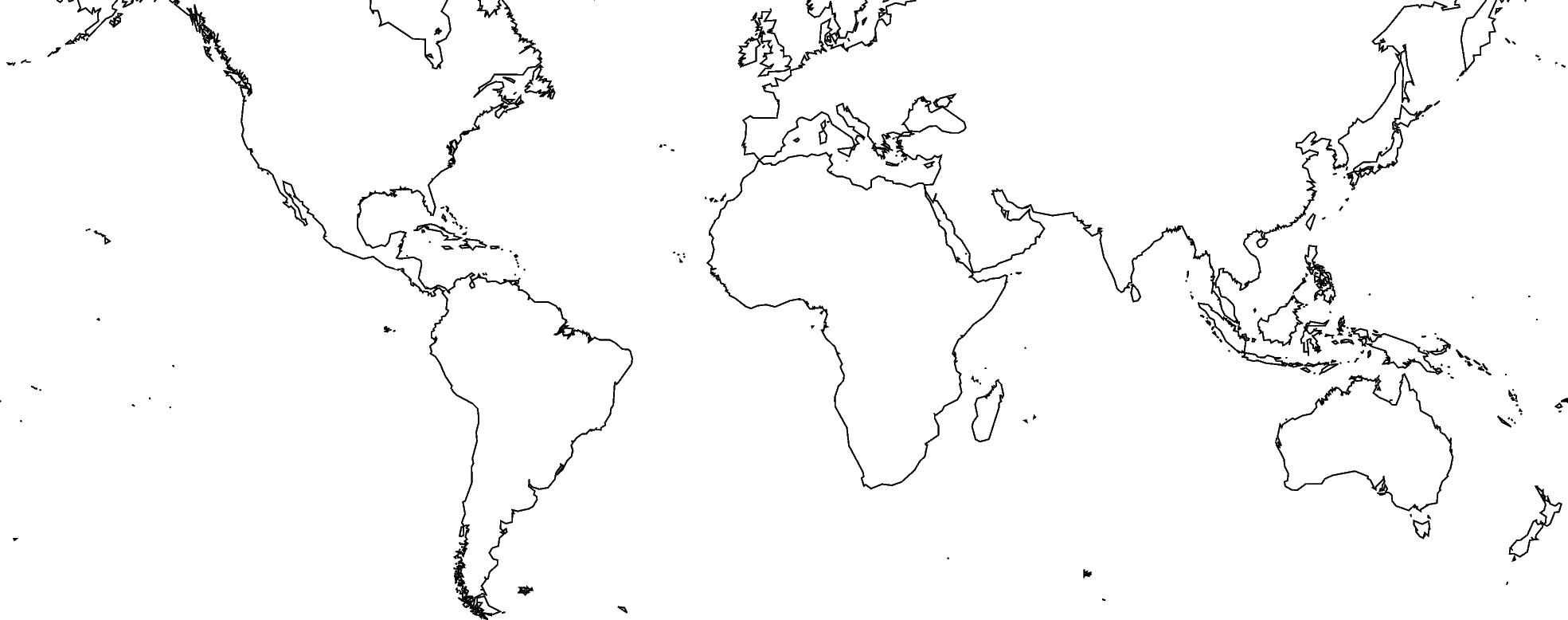
By default, PyGMT does not add a frame to your plot. For example, we can plot the coastlines of the world with a Mercator projection:
fig = pygmt.Figure()
fig.coast(shorelines="1/0.5p", region=[-180, 180, -60, 60], projection="M25c")
fig.show()
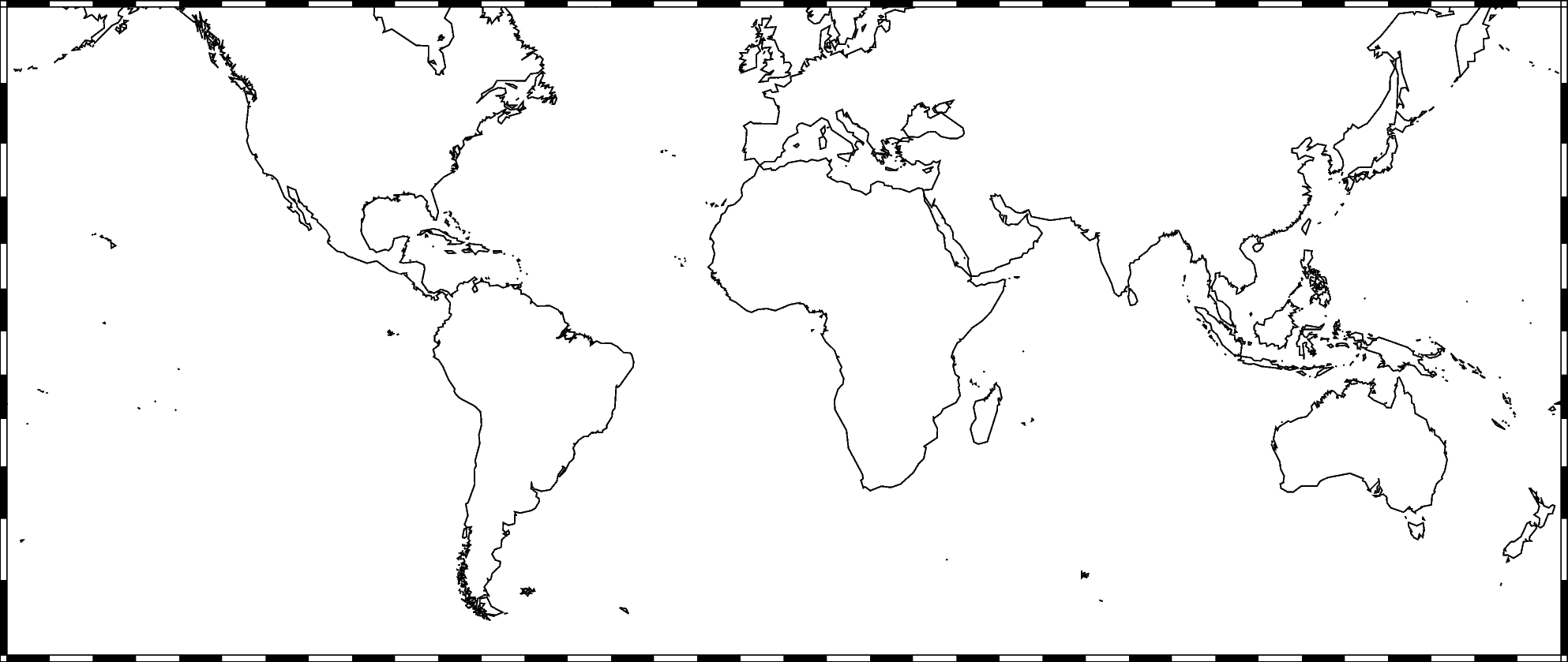
To add the default GMT frame style to the plot, use
frame=Axis(tick=True) in pygmt.Figure.basemap or another
plotting method (which has the frame parameter, with the exception of
pygmt.Figure.colorbar):
fig = pygmt.Figure()
fig.coast(shorelines="1/0.5p", region=[-180, 180, -60, 60], projection="M25c")
fig.basemap(frame=Axis(tick=True))
fig.show()
Ticks and grid lines
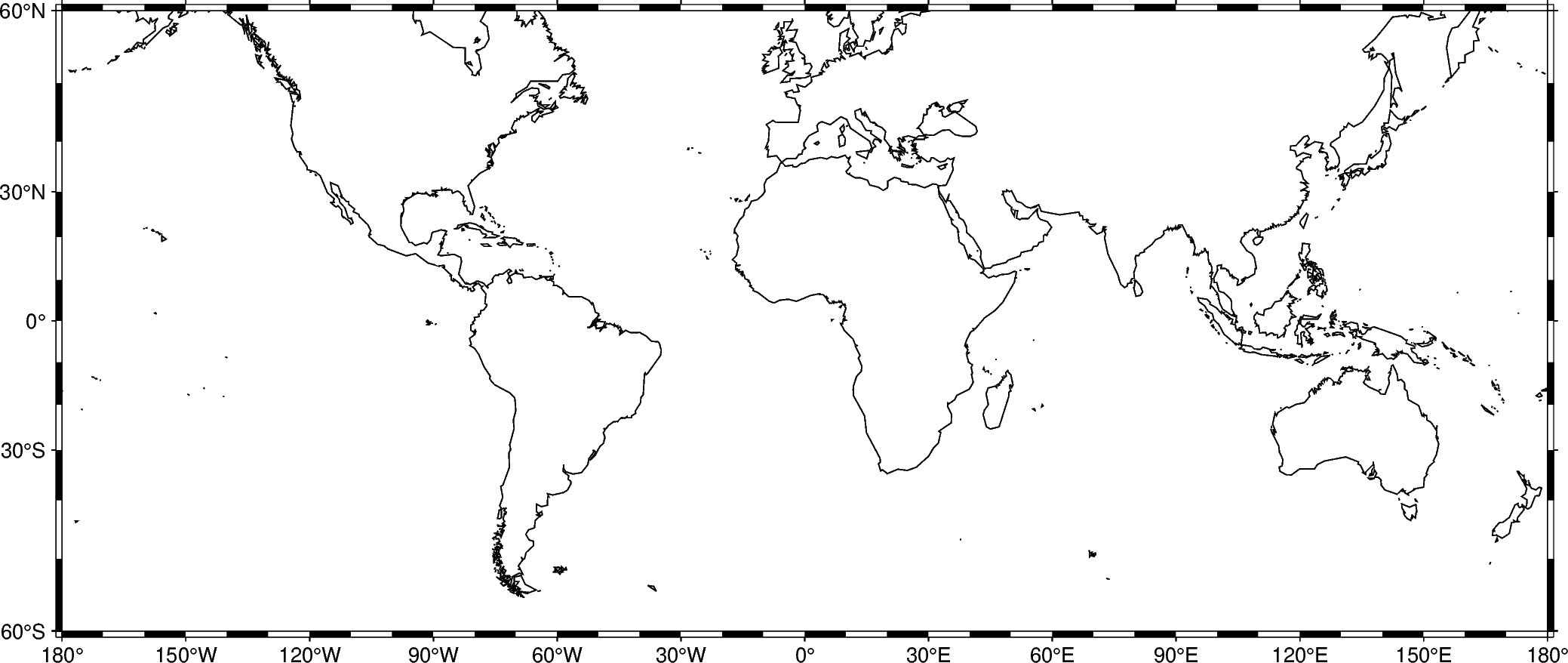
The automatic frame (frame=True) adds the default GMT frame style and
automatically determines tick labels from the plot region. In GMT the tick
labels are called annotations.
fig = pygmt.Figure()
fig.coast(shorelines="1/0.5p", region=[-180, 180, -60, 60], projection="M25c")
fig.basemap(frame=True)
fig.show()
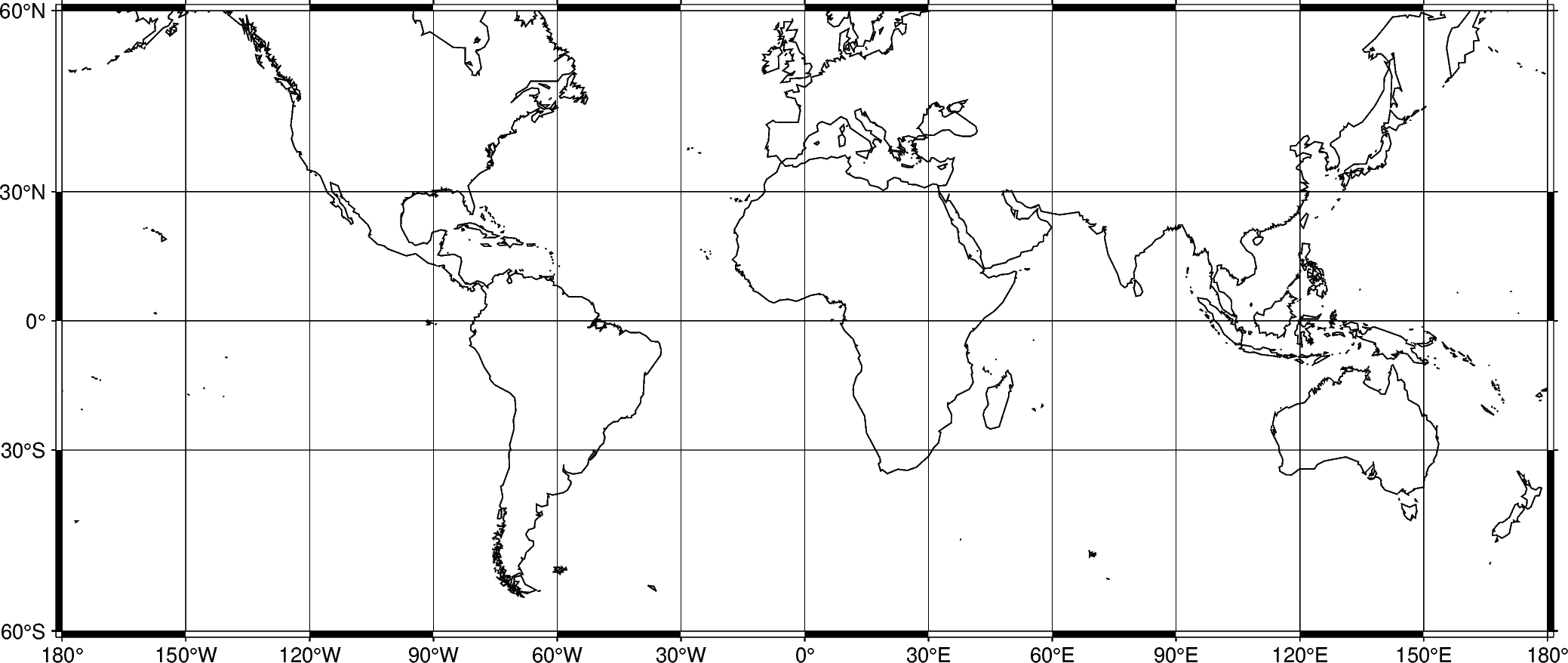
Add automatic grid lines to the plot by passing g through the frame
parameter:
fig = pygmt.Figure()
fig.coast(shorelines="1/0.5p", region=[-180, 180, -60, 60], projection="M25c")
fig.basemap(frame=Axis(annot=True, grid=True))
fig.show()
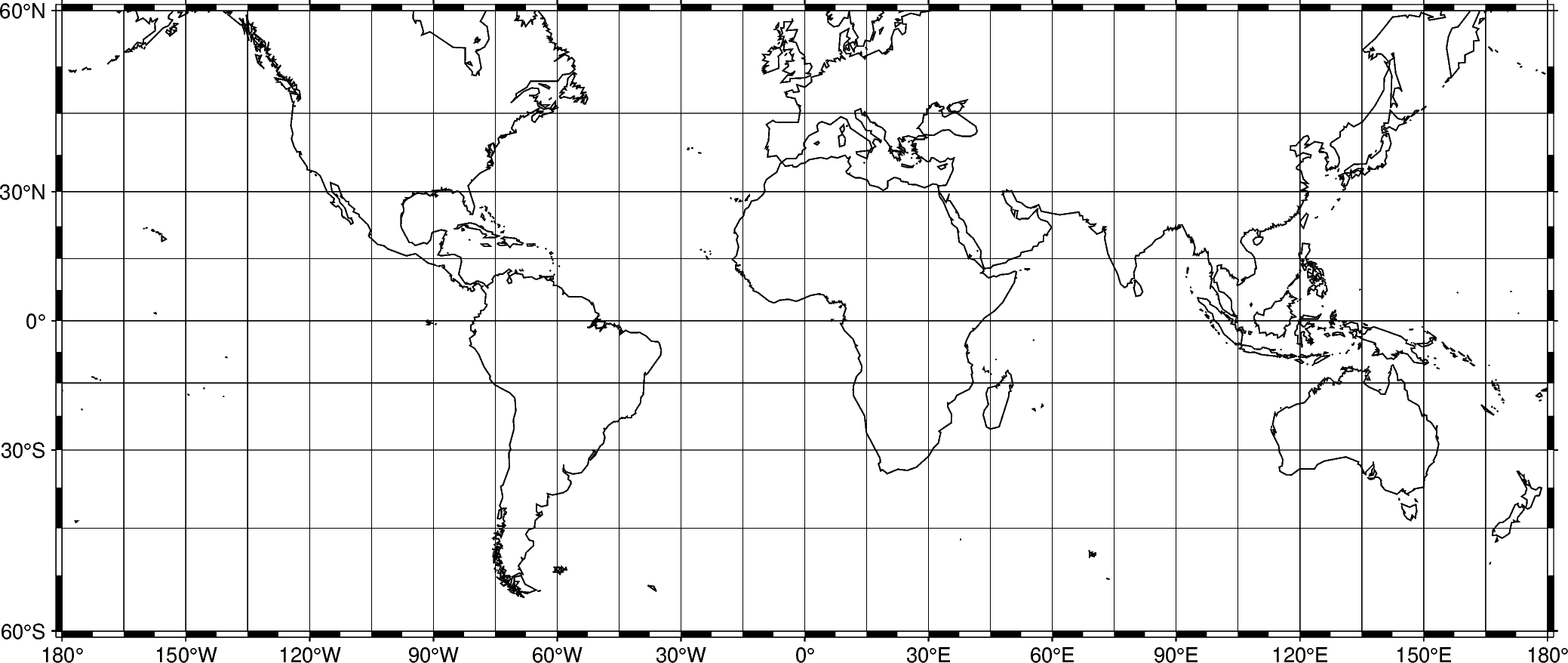
To adjust the step widths of annotations, frame, and grid lines we can
add the desired step widths after a, f, or g. In the example
below, the step widths are set to 30°, 7.5°, and 15°, respectively.
fig = pygmt.Figure()
fig.coast(shorelines="1/0.5p", region=[-180, 180, -60, 60], projection="M25c")
fig.basemap(frame=Axis(annot=30, tick=7.5, grid=15))
fig.show()
Title
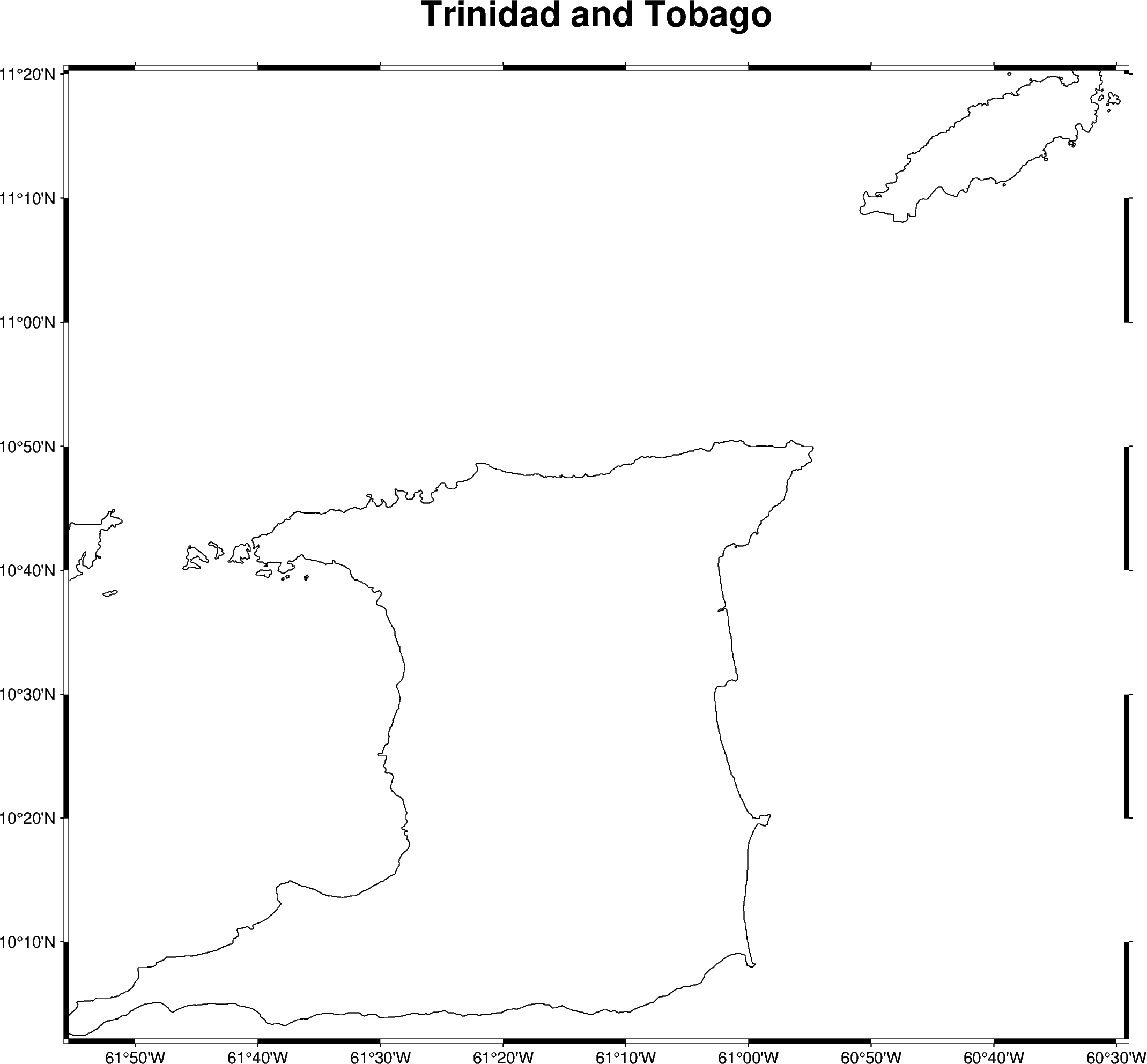
The figure title can be set by passing title=... to a Frame
object. Combine it with an Axis object to keep automatic annotations.
fig = pygmt.Figure()
# region="TT" specifies Trinidad and Tobago using the ISO country code
fig.coast(shorelines="1/0.5p", region="TT", projection="M25c")
fig.basemap(frame=Frame(title="Trinidad and Tobago", axis=Axis(annot=True)))
fig.show()
Axis labels
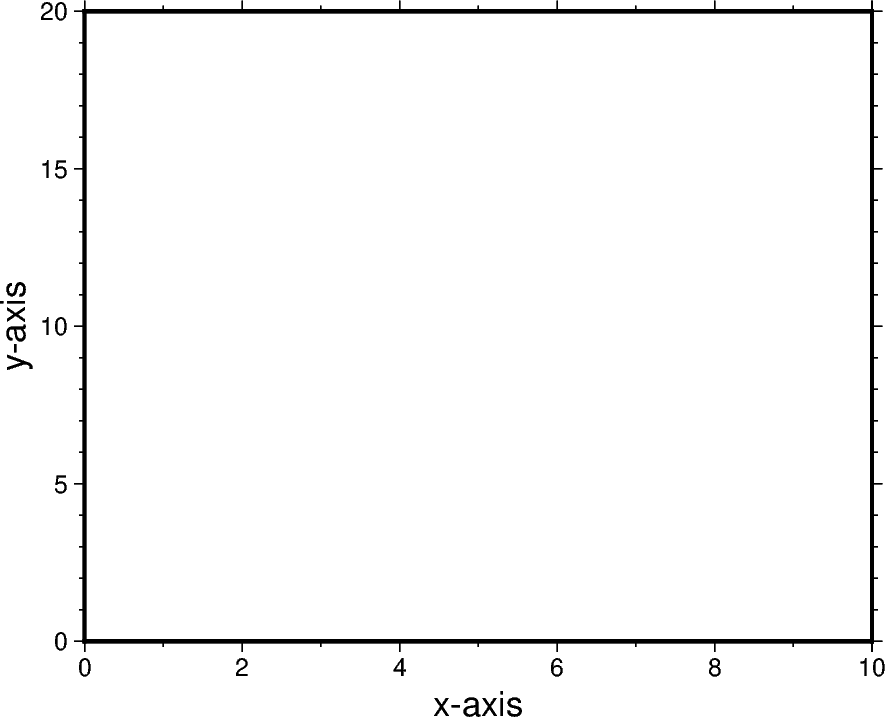
Axis labels, in GMT simply called labels, can be set through the xaxis
and yaxis parameters of Frame. The map boundaries (or plot
axes) are named as West/west/left (W, w, l),
South/south/bottom (S, s, b), North/north/top (N, n,
t), and East/east/right (E, e, r) sides of a figure. If an
uppercase letter (W, S, N, E) is passed, the axis is
plotted with tick marks and annotations. The lowercase version (w,
s, n, e) plots the axis only with tick marks. To only plot the
axis pass l, b, t, r. By default (frame=True or
frame=Axis(annot=True, tick=True)), the West and the South axes are
plotted with both tick marks and annotations.
The example below uses a Cartesian projection, as GMT does not allow labels to be set for geographic maps.
fig = pygmt.Figure()
fig.basemap(
    region=[0, 10, 0, 20],
    projection="X10c/8c",
    # Plot axis with tick marks, annotations, and labels on the
    # West and South axes
    # Plot axis with tick marks on the north and east axes
    frame=Frame(
        axes="WSne",
        xaxis=Axis(annot=True, tick=True, label="x-axis"),
        yaxis=Axis(annot=True, tick=True, label="y-axis"),
    ),
)
fig.show()
Total running time of the script: (0 minutes 1.743 seconds)